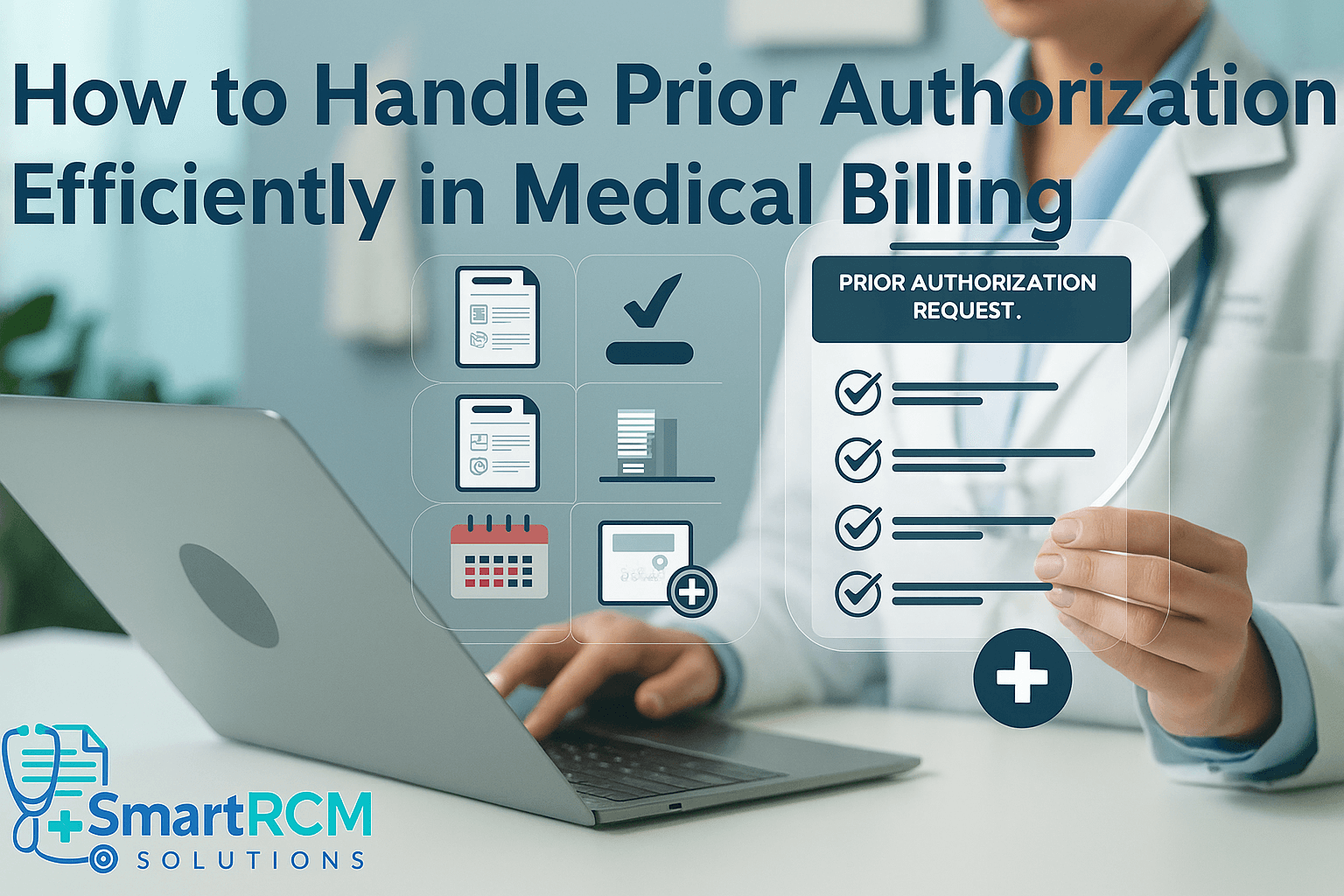
Prior authorizations (PAs) are often one of the most time-consuming parts of the medical billing cycle. They’re essential for ensuring services are covered by insurance — yet they frequently delay care, cause administrative headaches, and lead to denied claims.
If your clinic struggles with managing PAs, you’re not alone. In this guide, we’ll show you how to handle prior authorizations efficiently, reduce approval delays, and improve your clinic’s cash flow.
📘 What Is Prior Authorization in Medical Billing?
Prior authorization (also known as pre-approval or pre-authorization) is a process where a healthcare provider must obtain approval from a patient’s insurance company before performing a procedure, prescribing medication, or delivering specific services.
It’s essentially the payer saying, “Yes, we’ll likely cover this — go ahead.”
🩺 Why Are Prior Authorizations Required?
Insurance companies use PAs to:
- Confirm medical necessity of services
- Prevent overuse or unnecessary procedures
- Ensure cost-effective treatment options
Common services that require prior authorization:
- Imaging (MRI, CT scans)
- Surgeries
- Specialty drugs
- Physical therapy
- Durable medical equipment (DME)
⏱️ The Prior Authorization Process: Step-by-Step
- Provider Orders the Service
The provider recommends a service or prescription that may require authorization. - Check Payer Requirements
Use the insurance company’s portal or guidelines to confirm if PA is needed. - Submit the Request
The billing or front-desk staff submits a form, including diagnosis, procedure codes (CPT/ICD-10), and provider info. - Wait for Decision
- Approved: Proceed and bill as usual.
- Denied: May require resubmission or appeal.
- Pending: Await additional information or clarification.
- Track and Document
Maintain records of submission date, status, contact attempts, and final determination.
🛠️ How to Handle Prior Authorizations Efficiently
✅ 1. Know What Requires Prior Authorization
Not all payers require the same things. Some may ask for PA for an MRI, others may not.
Tip:
- Maintain an up-to-date list of CPT codes and services that require PA for your top payers.
✅ 2. Use Online Portals Whenever Possible
Most insurance companies now offer online authorization tools, which are faster and more trackable than phone or fax.
Benefits:
- Instant confirmation
- Upload attachments (e.g., clinical notes)
- Easier to track status
Popular payer portals:
- Availity
- Navinet
- Aetna, Cigna, UnitedHealthcare, BCBS portals
✅ 3. Assign a Dedicated Authorization Specialist
If your clinic processes many PAs, designate a staff member or team for this task. It increases accuracy and reduces delays.
Duties Include:
- Verifying benefits
- Submitting requests
- Following up regularly
- Communicating with providers & patients
✅ 4. Use Standardized Forms and Templates
Avoid rewriting the same letter of medical necessity over and over. Prepare:
- PA request templates by service type
- Sample cover letters
- Procedure-specific clinical documentation checklists
🧠 Smart tip: Save common denial letters and your appeal templates too.
Read More: Medical Billing Compliance Checklist for 2025
✅ 5. Set Up Alerts for Follow-Up
Many clinics lose revenue because they forget to check the status of pending authorizations.
Use tools like:
- Task managers
- EMR alerts
- Sticky notes in billing software
- Shared spreadsheets with status updates
✅ 6. Train Staff on Medical Necessity Language
Teach your team how to:
- Document services with clear medical necessity
- Use proper ICD-10 codes
- Support requests with SOAP notes or diagnostic results
Read More: Top 10 Medical Billing Mistakes to Avoid?
✅ 7. Track Denials and Improve Patterns
If your PAs are often denied:
- Analyze denial reasons (was it timing? wrong code? missing info?)
- Identify trends by payer
- Hold short weekly reviews to fix issues
Over time, this reduces repeat mistakes.
✅ 8. Consider Prior Auth Software or Automation
There are now AI tools that automate PA tracking, submission, and documentation.
Popular tools:
- CoverMyMeds
- Par8o
- Surescripts
- PriorAuthNow
Automation isn’t a must, but it can boost approval speed by up to 60% in busy clinics.
⚠️ Common Mistakes to Avoid in Prior Authorization
- Submitting after the service has been provided
- Forgetting to attach required documents (lab results, notes)
- Using the wrong CPT or diagnosis code
- Not following up before expiry
- Assuming “verbal confirmation” is enough (always get it in writing)
📊 The Cost of Inefficient Prior Authorizations
| Problem | Impact |
|---|---|
| Delayed authorizations | Delayed care, rescheduling |
| Denied authorizations | Lost revenue, unhappy patients |
| Manual tracking | Wasted staff time |
| Incomplete records | Risk of audit or compliance issues |
🧠 Summary Checklist: Efficient Prior Auth Process
- Check if PA is needed
- Use payer portal to submit request
- Include complete documentation
- Set reminders for follow-up
- Document approval or denial status
- Educate providers on necessity language
- Appeal denied requests if eligible
✅ Use this checklist in every PA request to streamline your workflow.
❓ FAQs: Prior Authorizations in Medical Billing
Q. How long does a prior authorization take?
A. Anywhere from 24 hours to 10 days, depending on the payer and urgency of the service.
Q. Can a claim be denied even after prior authorization?
A. Yes. Approval doesn’t guarantee payment. It just means the service is likely covered — but coding, documentation, and eligibility must still be accurate.
Q. Who is responsible for getting the prior authorization?
A. Usually the provider’s office or billing department — but everyone should be involved in tracking it.
Q. What happens if a service is done without authorization?
A. The claim will be denied, and the patient may be held responsible — or the clinic absorbs the loss.
Q. Is prior authorization required for emergency services?
A. Most emergency services are exempt from PA, but follow-up care may require it.
Q. Can I appeal a denied prior auth?
A. Yes. Most payers have an appeal process — often requiring a letter of medical necessity and supporting documentation.
🏁 Conclusion: Make Prior Authorizations Work for You
Prior authorizations don’t have to be a bottleneck in your billing workflow. With organized systems, trained staff, and digital tools, your clinic can reduce delays, improve reimbursement speed, and keep both providers and patients satisfied.
👉 Smart RCM Solutions helps healthcare providers manage prior authorizations, prevent denials, and optimize revenue cycle performance with expert support.